


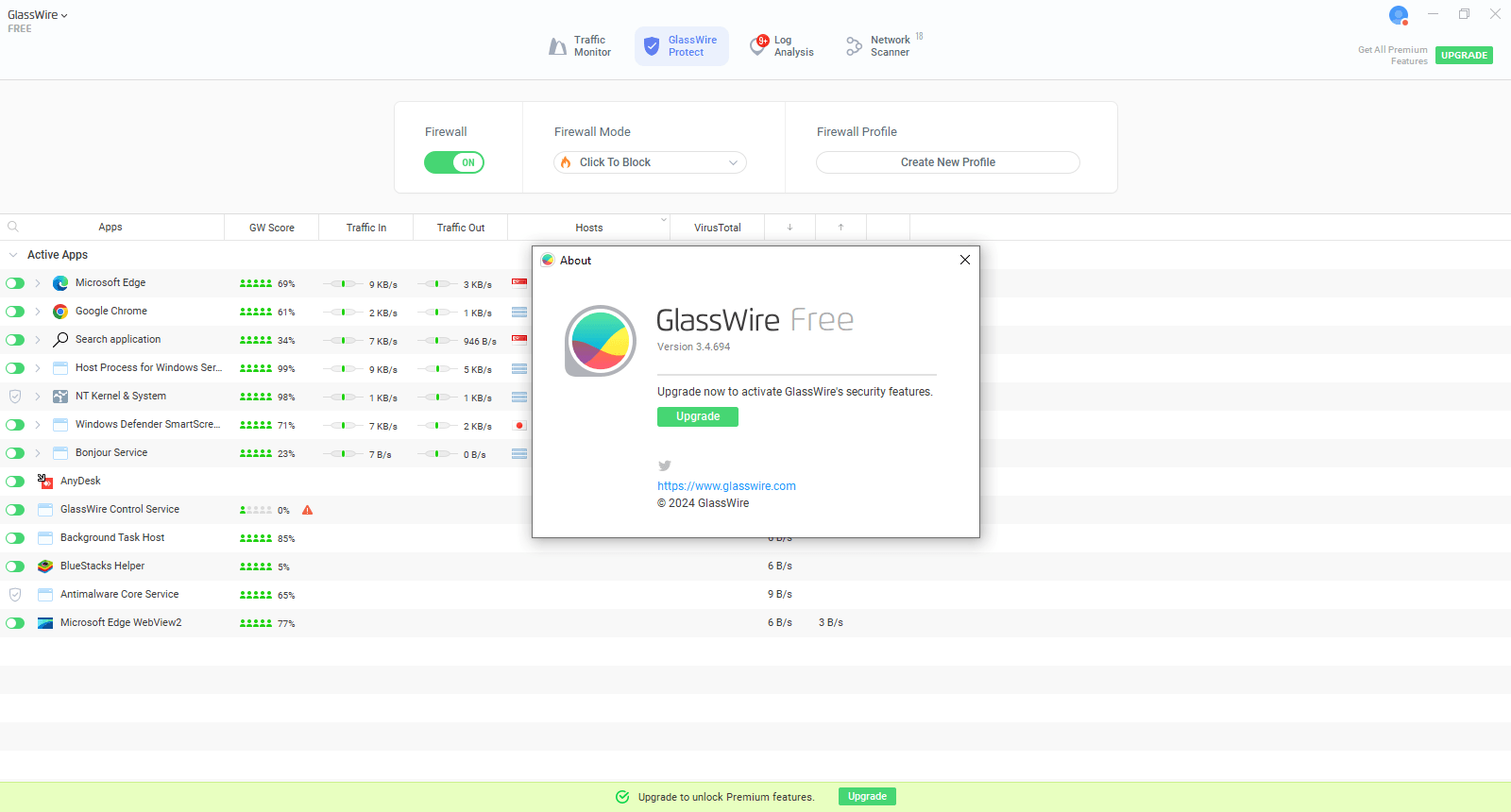
GlassWire V3.4.694 (Personal Firewall & Network Monitoring Software)
As cyber threats continue to evolve, so must the tools that help safeguard our networks. GlassWire v3 represents a significant leap forward in network monitoring and security, offering an upgraded suite of features that enhance user experience, improve network visibility, and offer even better protection from malicious activities. Whether you're an individual user or managing a business network, GlassWire v3 provides the insights and tools needed to secure and monitor your network effectively. In this article, we’ll explore the new features, improvements, and why GlassWire v3 is an indispensable tool for anyone serious about their network security.What’s New in GlassWire v3?
GlassWire v3 introduces a wealth of new features, performance enhancements, and a refined user interface that make it easier to monitor, protect, and optimize your network. The main objective of this update is to provide users with a more intuitive and comprehensive tool to track network activity, manage bandwidth, and detect threats with greater precision.1. Redesigned Interface for Better Usability
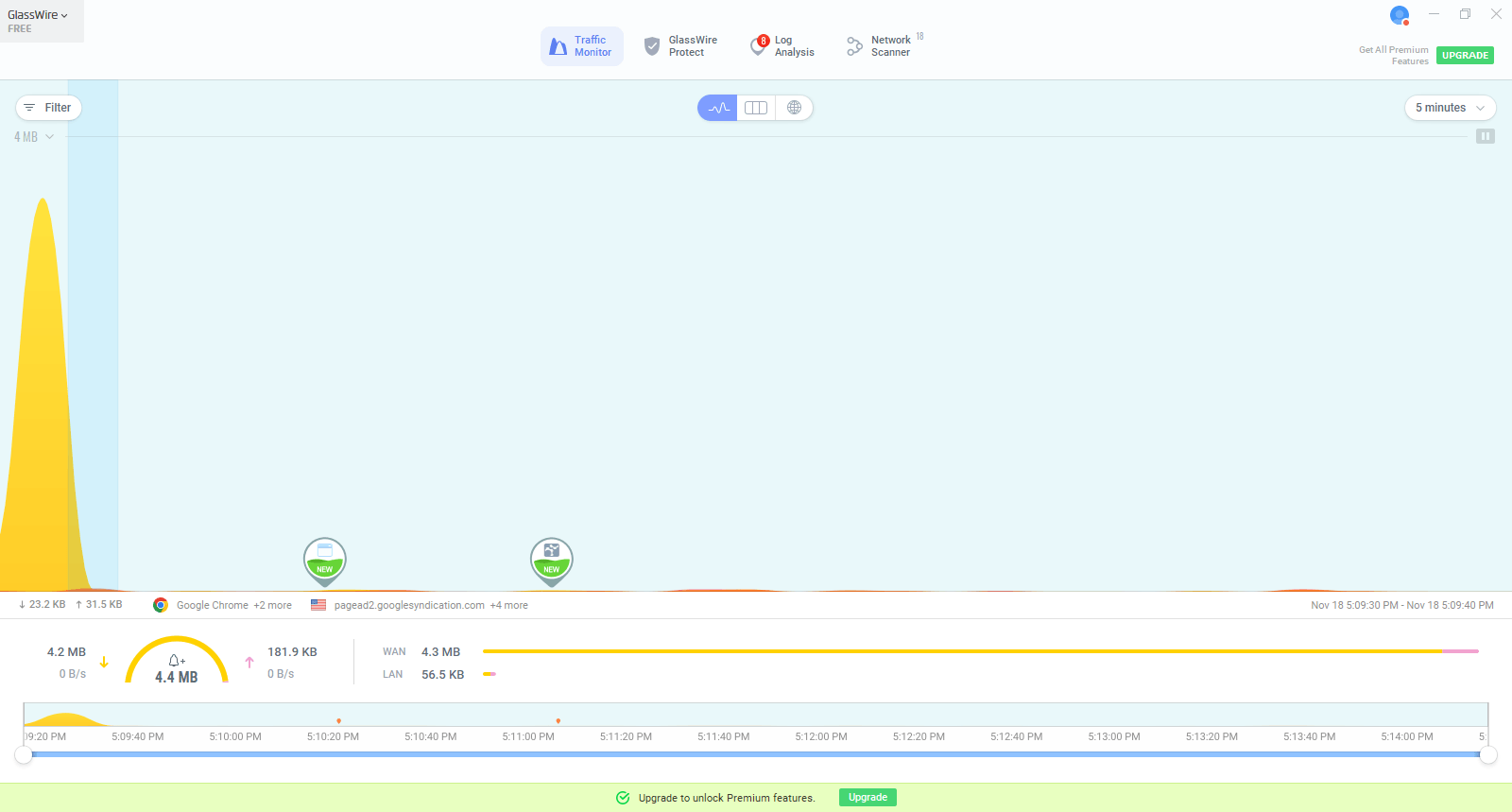
One of the most noticeable changes in GlassWire v3 is its redesigned interface. The updated layout offers a cleaner, more modern design, making it even easier to navigate through the various features. Whether you're viewing network activity on the Network tab or checking real-time alerts in the Alerts tab, the interface is more intuitive and visually appealing.The improved interface includes a dark mode, which is easier on the eyes, especially for those who spend long hours monitoring network activity. The new layout makes the most important features more accessible, improving overall workflow and usability.
2. Enhanced Network Visualization and Tracking
In GlassWire v3, the Network tab has received significant improvements, offering more granular details about your network’s activity. The updated network graph is more interactive and displays a timeline that allows you to see when specific applications or devices accessed your network.With better filtering options, users can drill down into specific applications, IP addresses, or devices that are consuming bandwidth. This new level of detail helps users track network usage more effectively, spot performance issues, and identify anomalies. You can now easily monitor individual data streams in real-time, making it simpler to track excessive bandwidth consumption or suspicious activity.
3. Expanded Device and Application Management
GlassWire v3 brings significant improvements to managing connected devices and applications. The Devices tab now offers more detailed information about each connected device, including its name, IP address, and the applications that are utilizing the network connection. This makes it easier to detect unknown or unauthorized devices accessing your network.The Application tab allows you to track which apps are sending and receiving data, giving you full control over which applications are allowed to access the internet. You can now block specific applications more efficiently, ensuring that only trusted applications can connect to your network.
This enhanced visibility helps users identify potential security risks, such as unauthorized devices or suspicious applications that might be using your network inappropriately.
4. More Powerful Firewall and Alerts System
One of the key features of GlassWire has always been its firewall, and version 3 enhances this function further. GlassWire v3’s firewall has more advanced controls, allowing users to manage which apps and devices are allowed to send or receive data with greater precision. The new advanced blocking options let you set rules for specific applications based on the type of traffic they generate.Moreover, the alert system has been improved to offer more detailed and customized notifications. GlassWire v3 allows you to fine-tune your alerts so that you only receive notifications for the most critical activities. For example, you can set up alerts for unusual data usage spikes, new device connections, or even specific IP addresses trying to communicate with your system.
These enhancements give users more control over their network’s security by allowing them to quickly react to suspicious activity.
Installation of GlassWire
Step 1:
We will download the glasswire.exe file in Windows using the below link,Step 2:
We will run the setup for installation software and click the next button.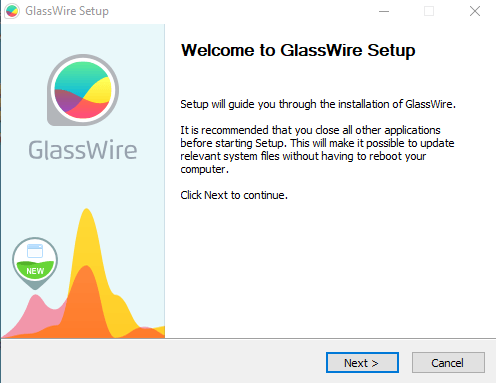
Step 3:
We will Accept the license and click the next button.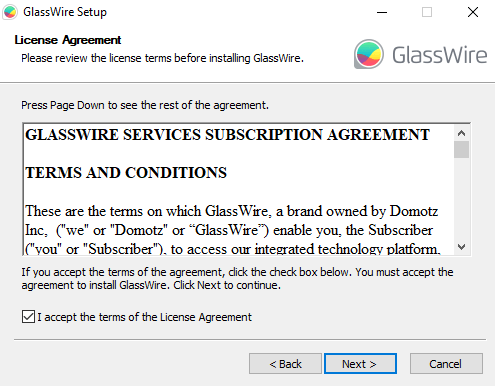
Step 4:
We will select the components and click the next button.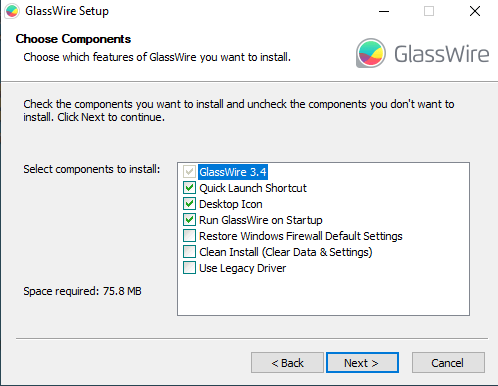
Step 5:
We will select the start menu and click the next button.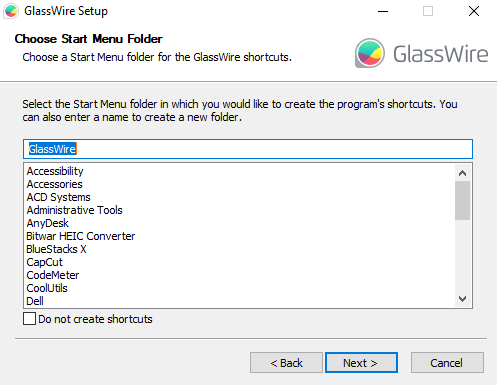
Step 6:
We will select the installation location and click the install button.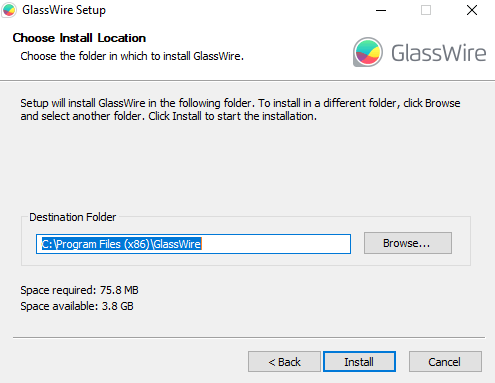
Step 7:
The installation is started now wait 5 min.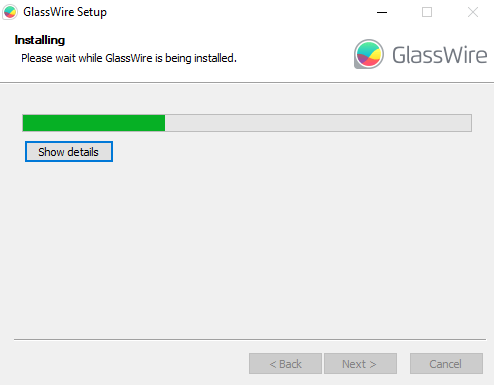
Step 8:
The software installation is completed now click the finish button.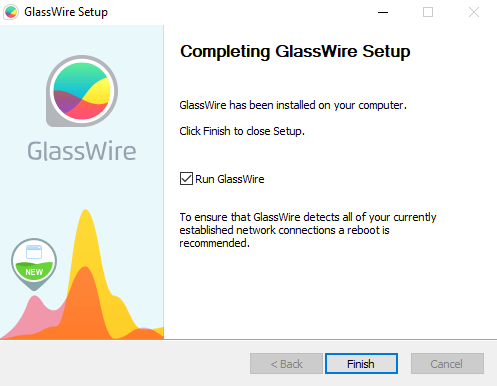
The software is ready to use.
Screenshots
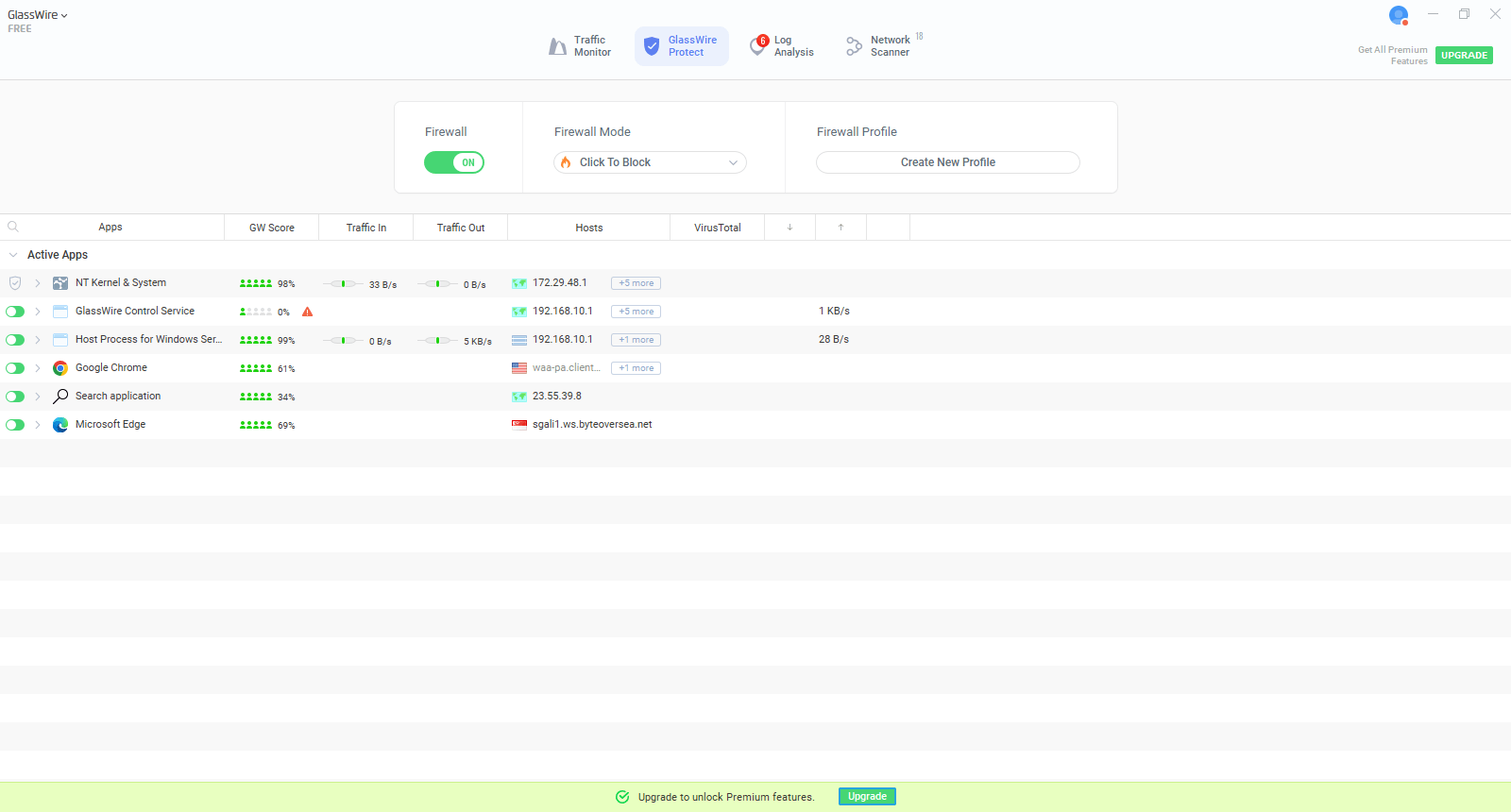
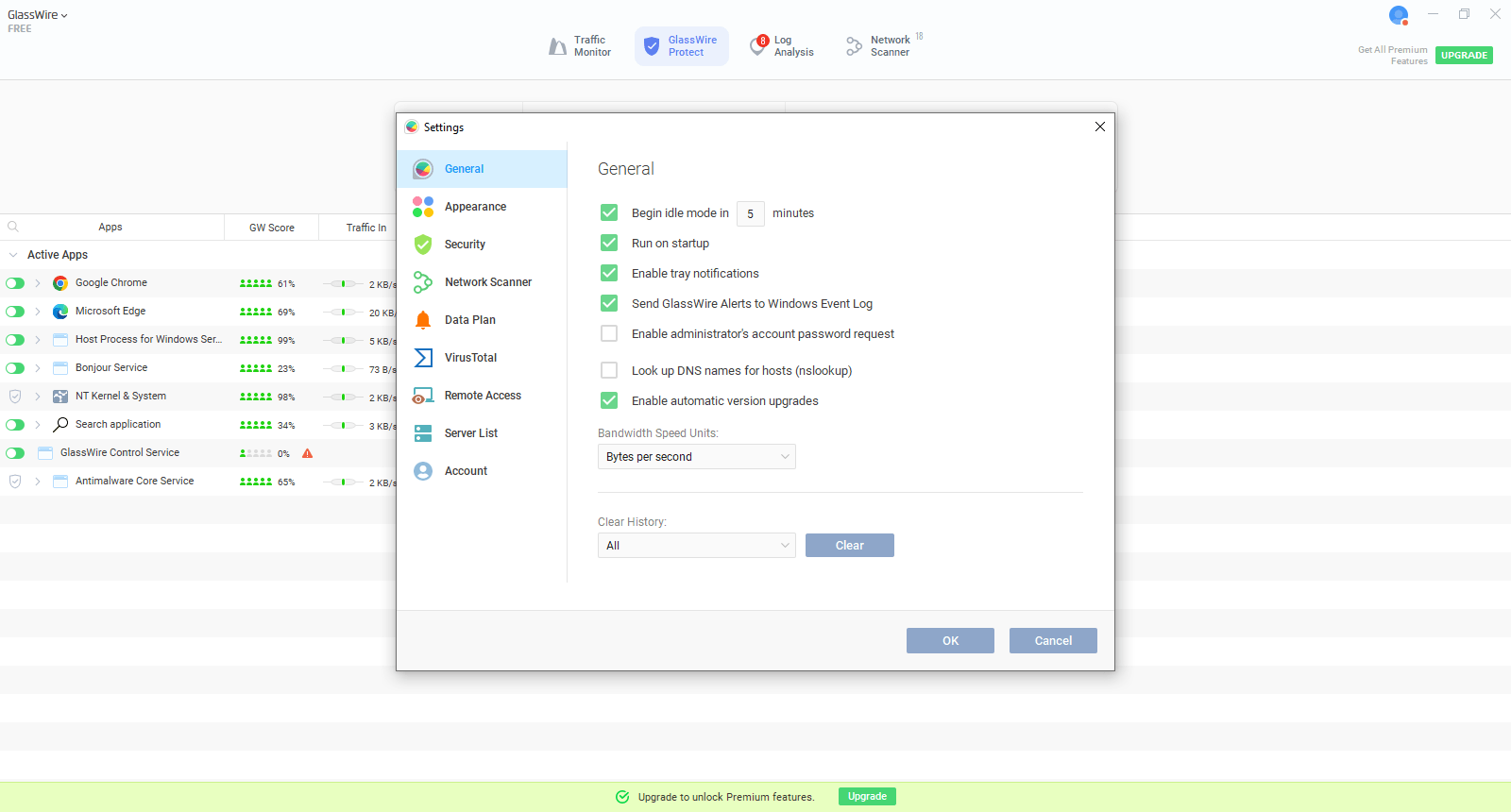
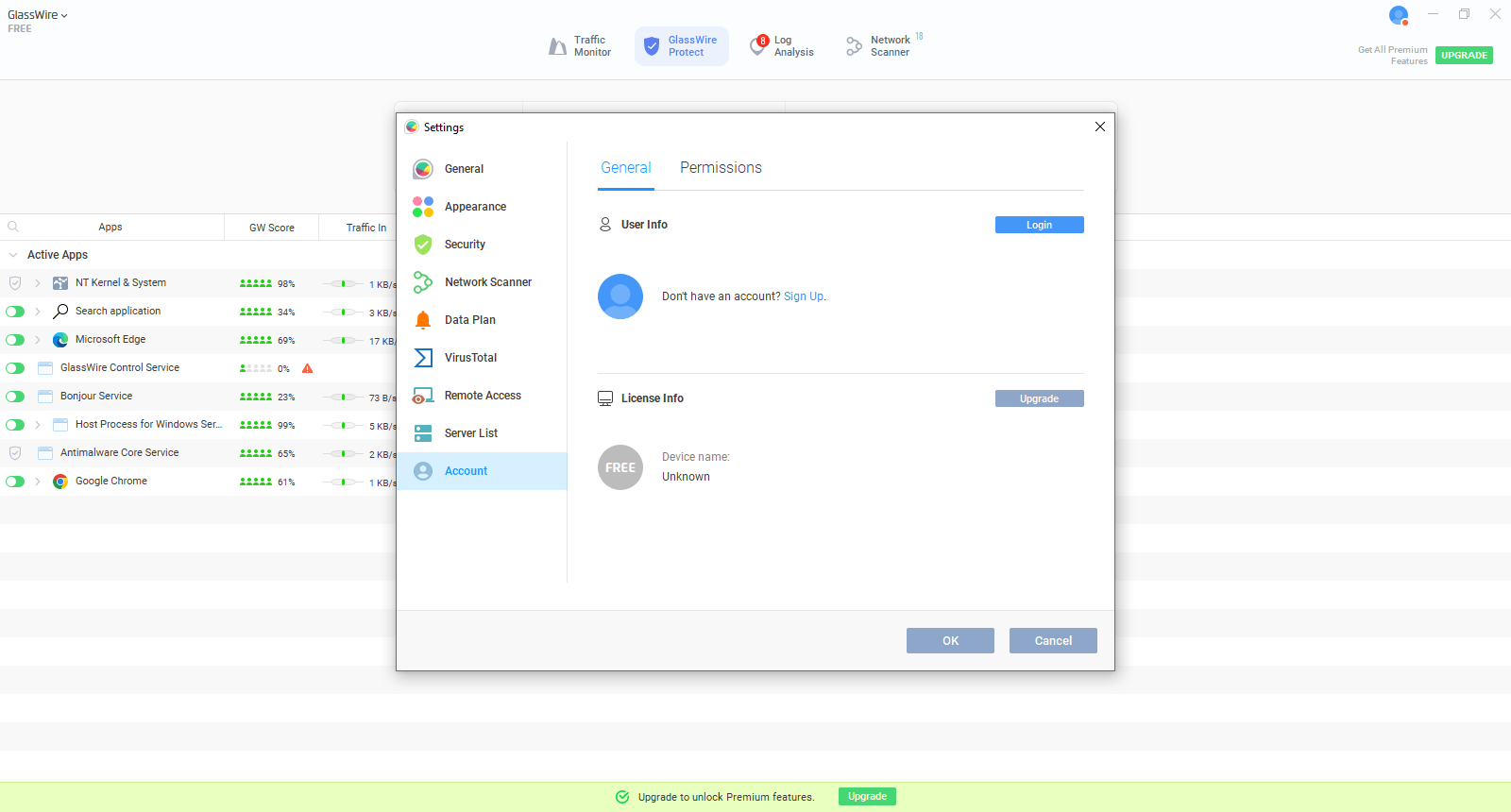
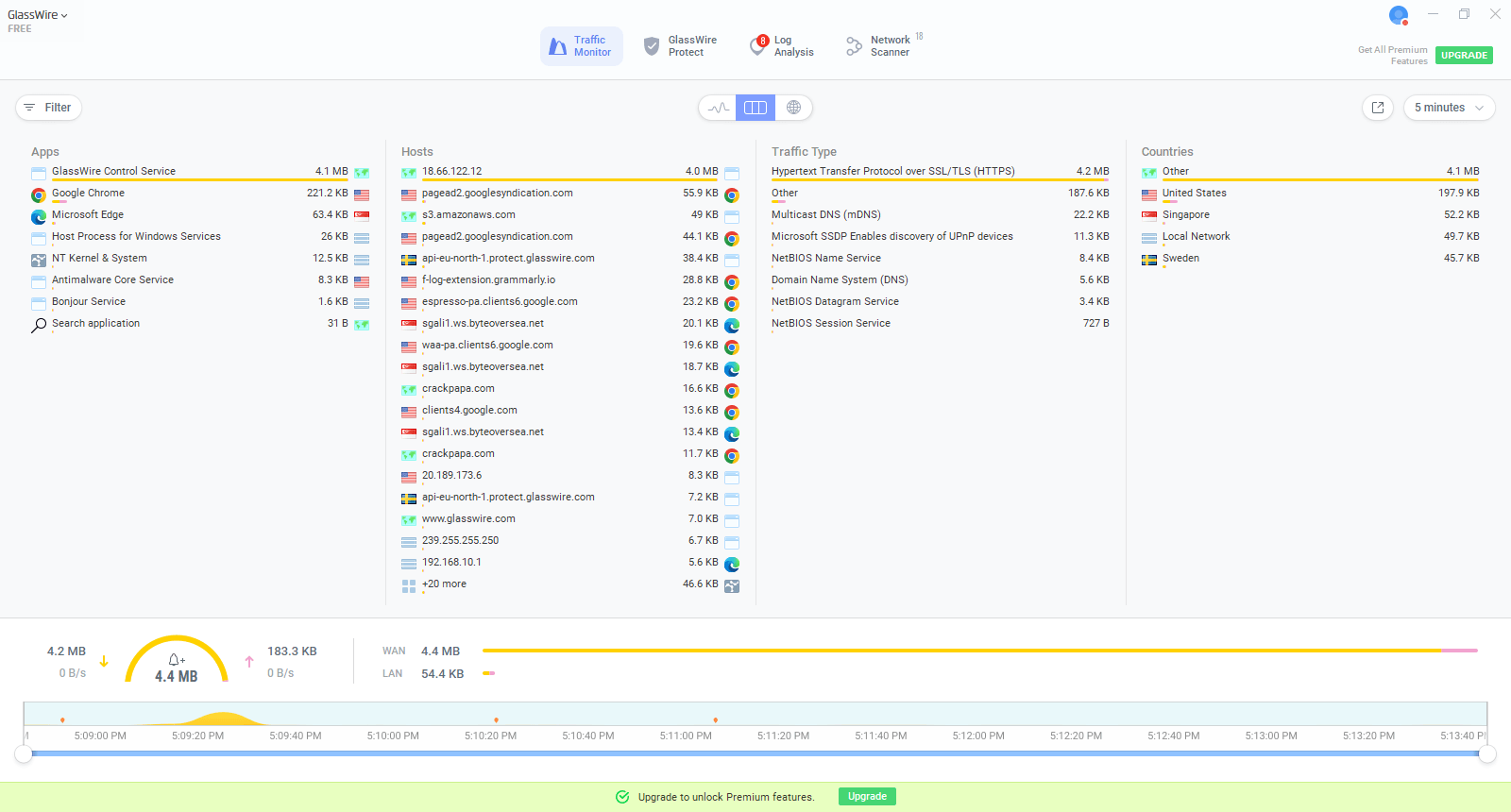
Key Features of GlassWire v3
1. Real-Time Network Monitoring
GlassWire v3 continues to offer real-time monitoring of your network activity. With improved visualizations and more detailed breakdowns of data usage, users can easily track the real-time data consumption of each application and device connected to their network. This real-time monitoring is essential for identifying potential performance issues or unauthorized activity as it happens.2. Advanced Firewall Controls
With more refined firewall settings, GlassWire v3 allows users to control which applications and devices can connect to the internet. You can block applications that consume excessive data or those that might be compromised, offering a higher level of protection.Conclusion
GlassWire v3 takes network monitoring and security to new heights with its improved interface, advanced threat detection, more detailed network visualization, and enhanced firewall controls. Whether you are an individual looking to protect your personal devices or a business aiming to secure your entire network, GlassWire v3 provides the tools you need to stay safe and in control. With its user-friendly design and powerful security features, GlassWire v3 is the ultimate network monitoring solution for anyone serious about safeguarding their digital assets.Our Paid Service
If you want to Purchase Cracked Version / KeyGen Activator /License Key
Contact Us on our :
Crack Software Policies & Rules:
Lifetime Activation, Unlimited PCs/Users,
You Can test through AnyDesk before Buying,
And When You Are Satisfied, Then Buy It.
You can download the GlassWire V3.4.694 from the link below…
If you want to Purchase Cracked Version / KeyGen Activator /License Key
Contact Us on our :
Crack Software Policies & Rules:
Lifetime Activation, Unlimited PCs/Users,
You Can test through AnyDesk before Buying,
And When You Are Satisfied, Then Buy It.
You can download the GlassWire V3.4.694 from the link below…