
Summary
ForPrompt Studio, in my experience working with broadcasters, educators, and executives, the shift to smarter live tools has transformed the way presentations and TV segments are delivered. Its usability is what truly stands out, something I’ve tested across various setups. Whether for high-stakes military briefings, executive meetings, or even YouTubers creating polished content, the software proves itself again and again. From managing rundowns to offering preview options and remote access, it seamlessly integrates with SDI and NDI signals, ensuring your outputs remain crisp and reliable in every scenario. I’ve personally seen how its flip & mirroring functions eliminate technical friction, and the on-air flow feels almost flawless.Intuitive Interface and Presentation Control
When I first started using ForPrompt Studio in my production space, I was impressed by how it transformed my daily broadcasts into smooth, stress-free sessions. What stood out most was its intuitive interface so quick to adapt to, even for someone without technical depth. The software lets you organize segments with ease and works flawlessly across different formats, from rich text to scripted feeds. It’s tailored not just for presenters, but also for journalists, engineers, and professionals working in fast-paced newsroom environments. I’ve tested it in different fields, and the ability to pause, resume, or fine-tune the scroll speed of scripts adds flexibility when you’re presenting on the fly.Hardware Integration and Flexible Display Output
I also appreciated the plug-and-play feel of integrating with Fortinge gear, whether it’s a JC-1 jog-controlled desk unit or an ergonomic foot pedal. The remote control functionality, including RF or USB input, works seamlessly across setups. I’ve often used it with laptops, outputting Full HD 60p video to multiple screens. This is where the multi-camera and screen mirroring features, especially for 3G/SDI, NDI, or HDMI, shine. You can easily flip between horizontal and vertical reflection options depending on your setup, which helps you adjust to any environment. The real magic happens when using Blackmagic cards, it just works without needing complicated steps.Real-Time Script Synchronization with NRCS Integration
Another strength of ForPrompt Studio is how it handles updates in real time. Whether using iNews, ENPS, Octopus, Blaze, or Marsis, it connects to NRCS systems and automatically detects MOS socket versions no need for manual configuration. I’ve personally relied on this during breaking news hours. The software syncs the presenter’s screen with the editor’s, which keeps everything running on schedule and completely error-free. Even while pushing updates over FTP or cloud environments, the dependability has never wavered.Seamless NDI Streaming for Modern Studios
The high-quality stream capability has saved me during remote shoots. I once had to stream a teleprompter feed wirelessly to several devices across a large studio, and the zero frame lag with NDI output delivered consistent clarity. That level of compatibility and seamless operation is hard to come by. Whether you’re handling editing, reading, or live directing with scripts, this software feels like it was built by engineers who understand what presenters and journalists really need to succeed under pressure.Professional Broadcast Flexibility
As someone who’s worked in professional newsrooms and fast-paced broadcast settings, I can tell you firsthand how vital software like ForPrompt Studio is. It isn’t just about rolling lines of text, it’s about creating a comprehensive, error-free teleprompter experience with precise editing while live. I remember one live segment where script changes came in seconds before going on air. Thanks to the smart live update algorithm, real-time edits, and live update during prompt, the system managed story updates seamlessly without disrupting the prompter loop or breaking text flow. Using bookmarked scripts and jump to story tools, we got through the show without a hitch. This level of integration speaks volumes for how much ForPrompt Studio adapts to the chaos of live TV.ForPrompt Studio License Proof
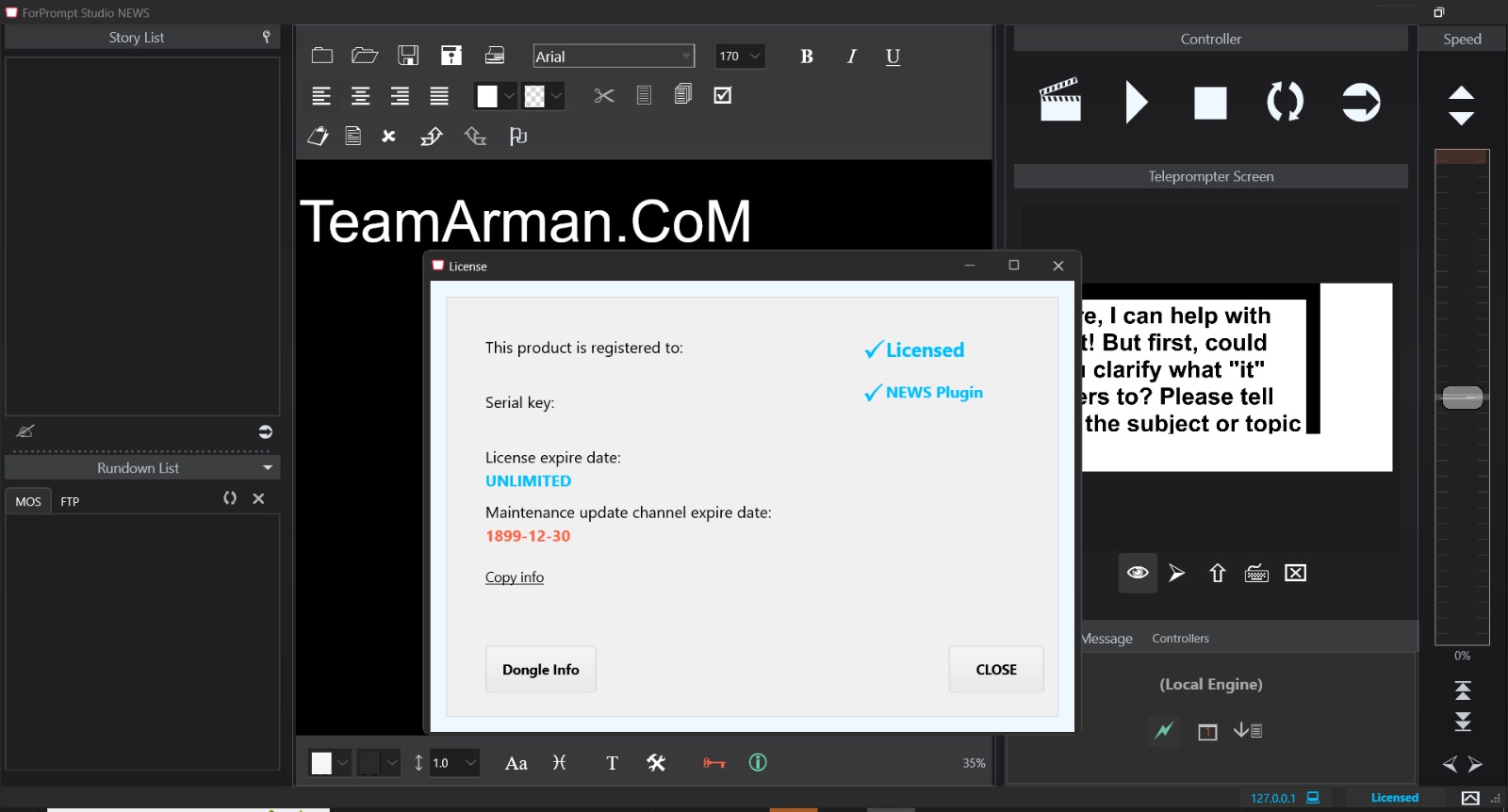
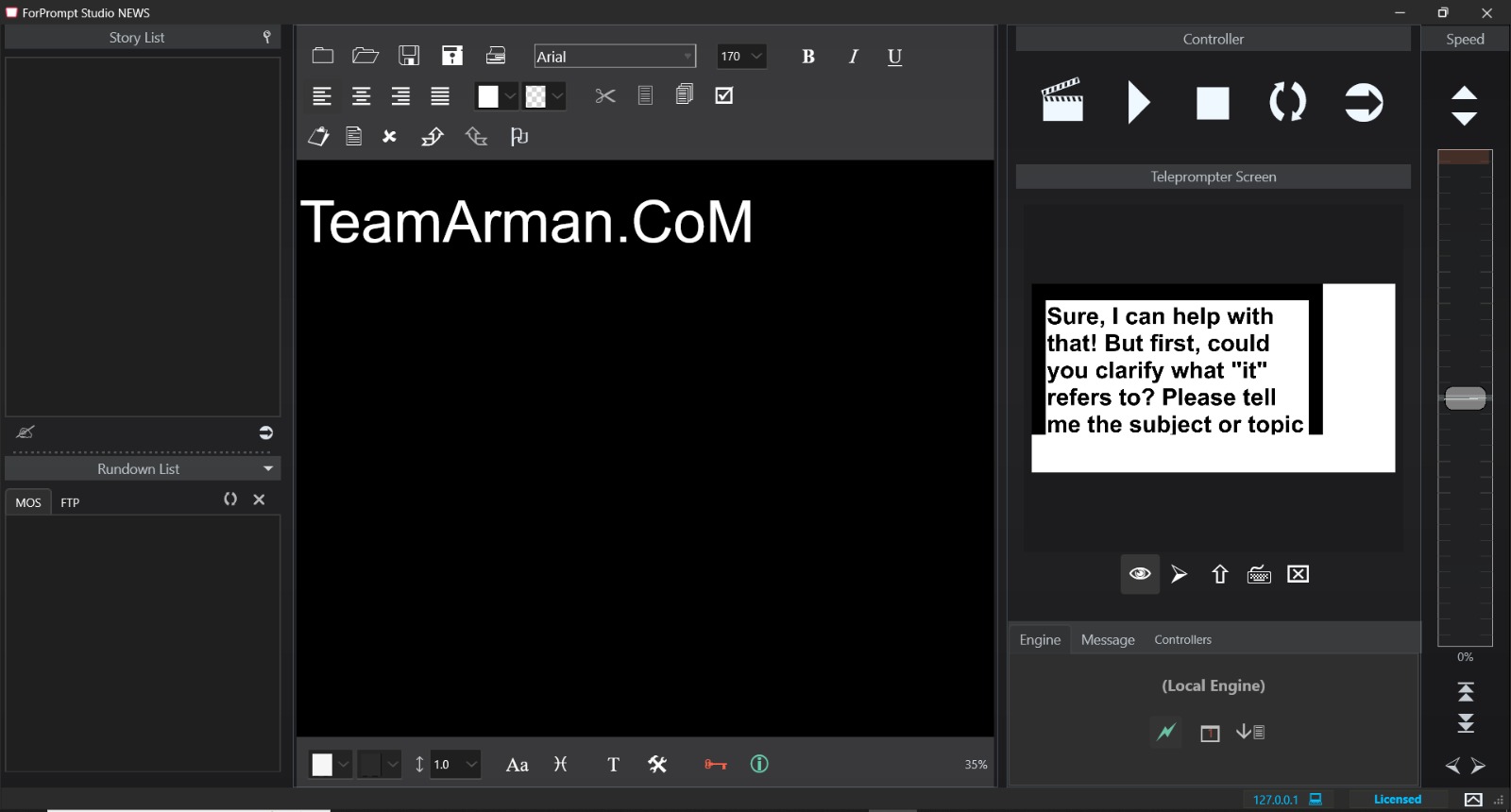
Robust Interface and Multilingual Adaptability
Customization is key, especially when you’re dealing with multi-language, international fonts, or RTL support. ForPrompt Studio doesn’t disappoint. Its customizable multilingual interface, support for full Unicode, and bidirectional reading cues have made it easy to prep scripts in both English and Arabic at my previous job. I love how I can enable auto update in story list, use insert bookmarks, and even format using rich text editing with RTF, PDF, and HTML support. The customizable layout, along with a clean main screen preview, allows me to personalize every aspect. And with auto-load last script and drag-and-drop features, working on Windows 11 or Windows 8 laptops is smooth.Intelligent Prompting and Seamless Playback
Working on multi-cam setups with multi-monitor outputs or using the HDMI output, I’ve seen how ForPrompt Studio maintains excellent sync using tools like prompt sync, story sync, and reading marker. During a show, adjusting scroll speed between 1/4x to 4x with the speed multiplier or flipping views via output mirror settings and display flip has saved me time and stress. It’s extremely useful when presenting with the ERA-IP monitor and FPV feeds. We often toggle between mirror flip, Decklink SDI, and IP output, allowing real-time preview while adjusting output resolution for 16:9, 4:3, or 3:2 formats. No matter the device, whether it’s a USB, HDMI, or Blackmagic Intensity setup, this software delivers.Powerful Control and Input Compatibility
Using plug & play tools like shuttle Xpress, native shuttle Pro2, or a foot switch for hands-free operation feels almost luxurious when you’re juggling controller range, script synchronization, and remote engine support. The jog controller, pen mouse, RF controller, and even a foot controller give you full command. When we used a pen remote on location, we could adjust scroll tracking, flip story cloak, and control text cues without missing a beat. Controller installer support makes setup easy, and managing controller status, including battery indicators has proven crucial in long shoots.HomePage
Note: This price Is For Single PC License. If You Want To Buy KeyGen Then You Have To Go On Telegram ID @playoutking
Our Paid Service
If you want to Purchase KeyGen Activator / Cracked Version /License Key
Contact Us on our :
Join Us For Update :
Join Us For Updated :
Crack Software Policies & Rules:
You Can test through AnyDesk before Buying,
And When You Are Satisfied, Then Buy It.
Lifetime Activation, Unlimited PCs/Users.
If you want to Purchase KeyGen Activator / Cracked Version /License Key
Contact Us on our :
Join Us For Update :
Join Us For Updated :
Crack Software Policies & Rules:
You Can test through AnyDesk before Buying,
And When You Are Satisfied, Then Buy It.
Lifetime Activation, Unlimited PCs/Users.